Coming soon

A free, calmer way to look for your next job.

Kestrel reads the job boards for you, brings you the openings that fit what you asked for, and tailors your resume using words you wrote or approved. It runs on your own computer, so your search stays yours.

Coming to Windows, macOS and Linux

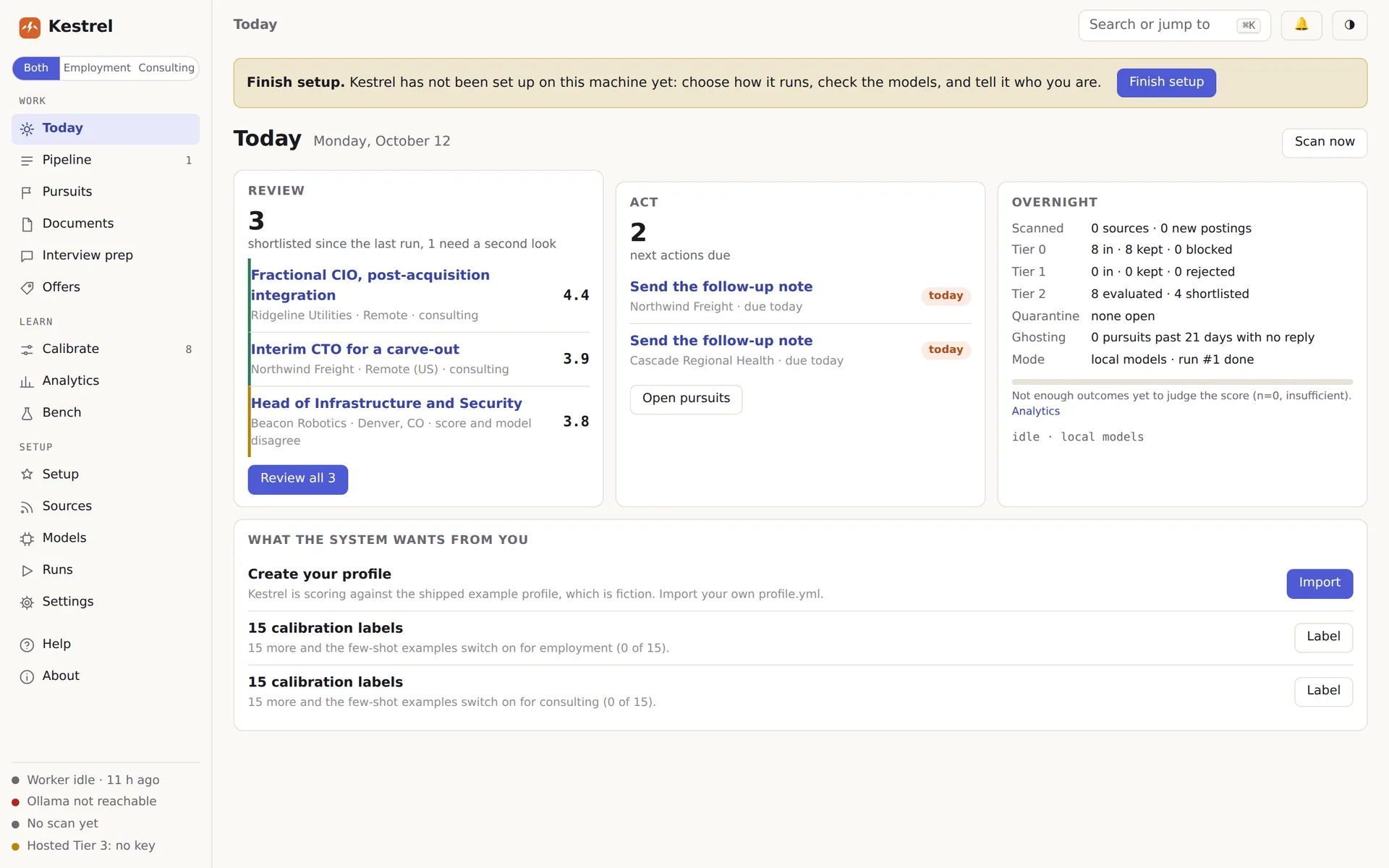
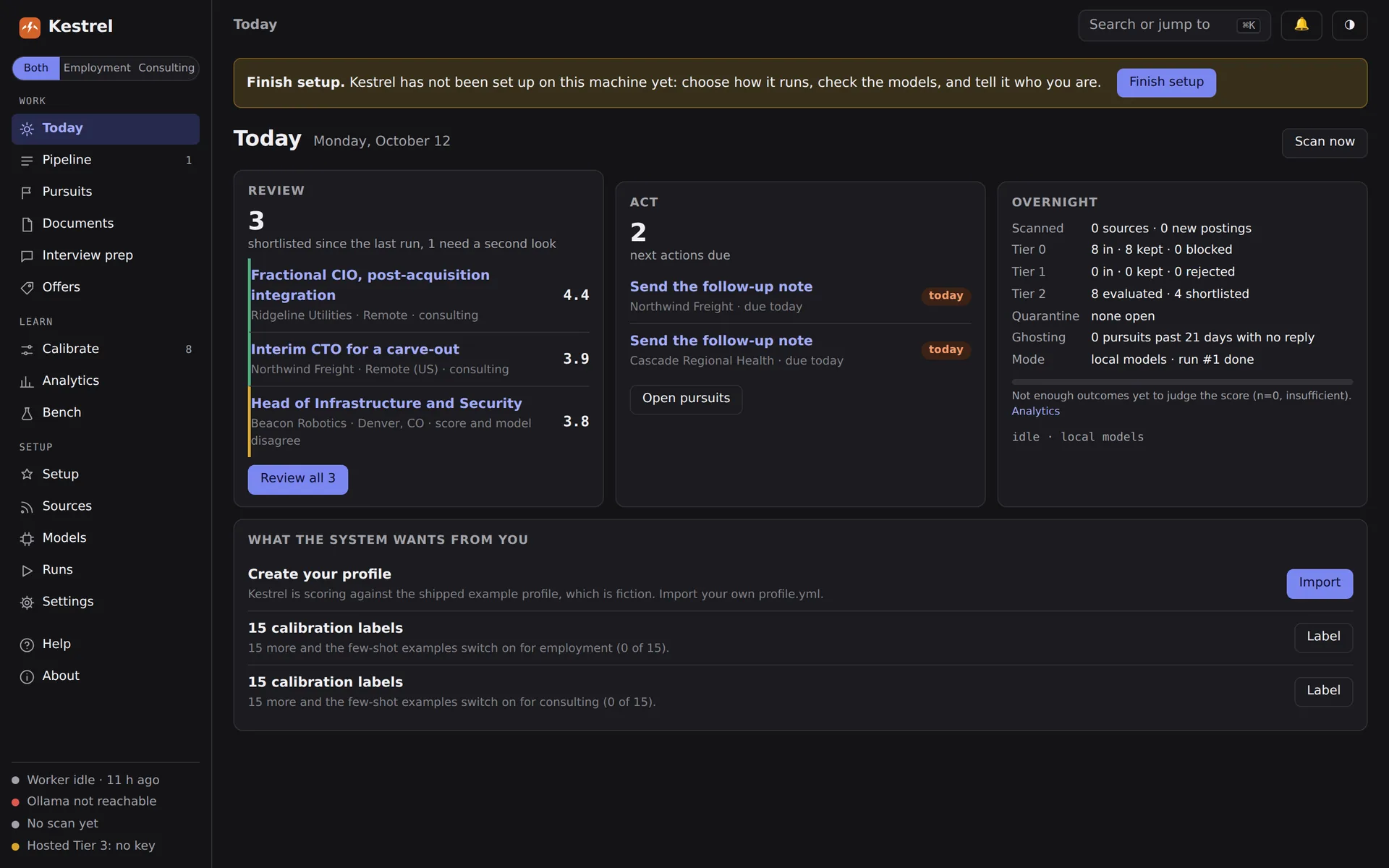
The Kestrel Today page: three shortlisted roles to review, two follow-ups due, and an overnight summary of what was scanned.

Early preview. Kestrel is still in development, so the app may look a little different at release.

Built for people, not power users.

Free, and you are not the product

Kestrel costs nothing to use. Your search stays on your computer, where nobody can collect it or sell it.

No AI subscription needed

Kestrel runs free AI models on your own computer through Ollama, a free app that setup helps you install. You do not need a ChatGPT, Claude or Gemini plan.

An app you click through

Install it, open it, and setup walks you through each step on screen. You never have to type a command.

Set it up once. Check in when it suits you.

  1. Tell it what you want

    Import your resume and say what kind of role you are after. The app walks you through setup on first launch.

  2. Let it read everything

    Kestrel scans job boards and company career pages, drops the duplicates and the poor fits, and scores the rest.

  3. Review the short list

    Open Kestrel when it suits you. The strongest matches sit at the top, each with a score and the reasoning behind it. You decide what to apply for.

Only the openings that fit.

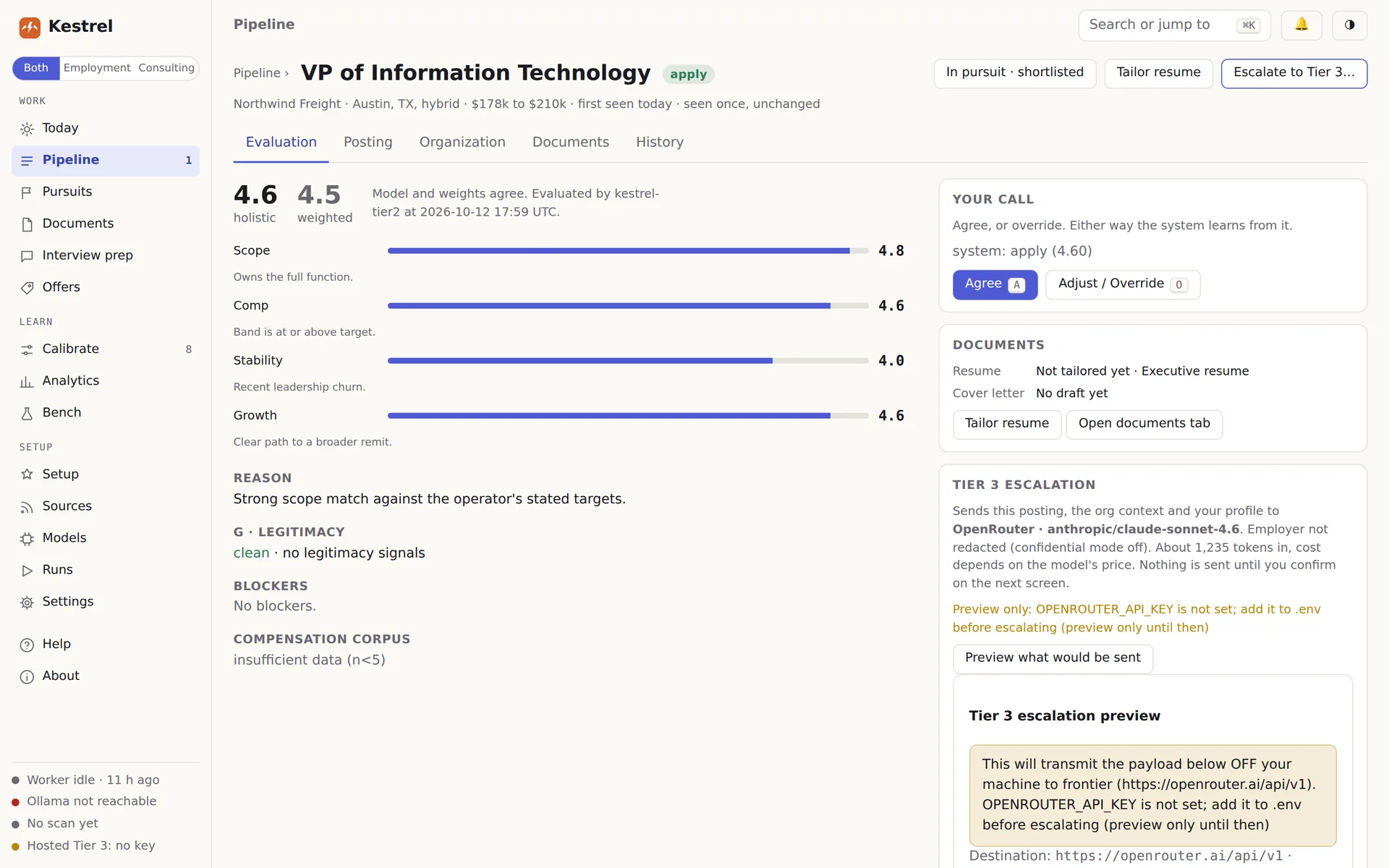
Every opening gets a fit score and a plain label: strong fit, good fit, maybe or not a fit. When the AI and the scoring disagree, Kestrel marks it “your call” and lets you decide. Pay and location sit on the same line, so you can judge a role at a glance.

Disagree? Pick the word you would have used and say why in a few words. Kestrel learns from every call you make, including each role you shortlist or pass on.

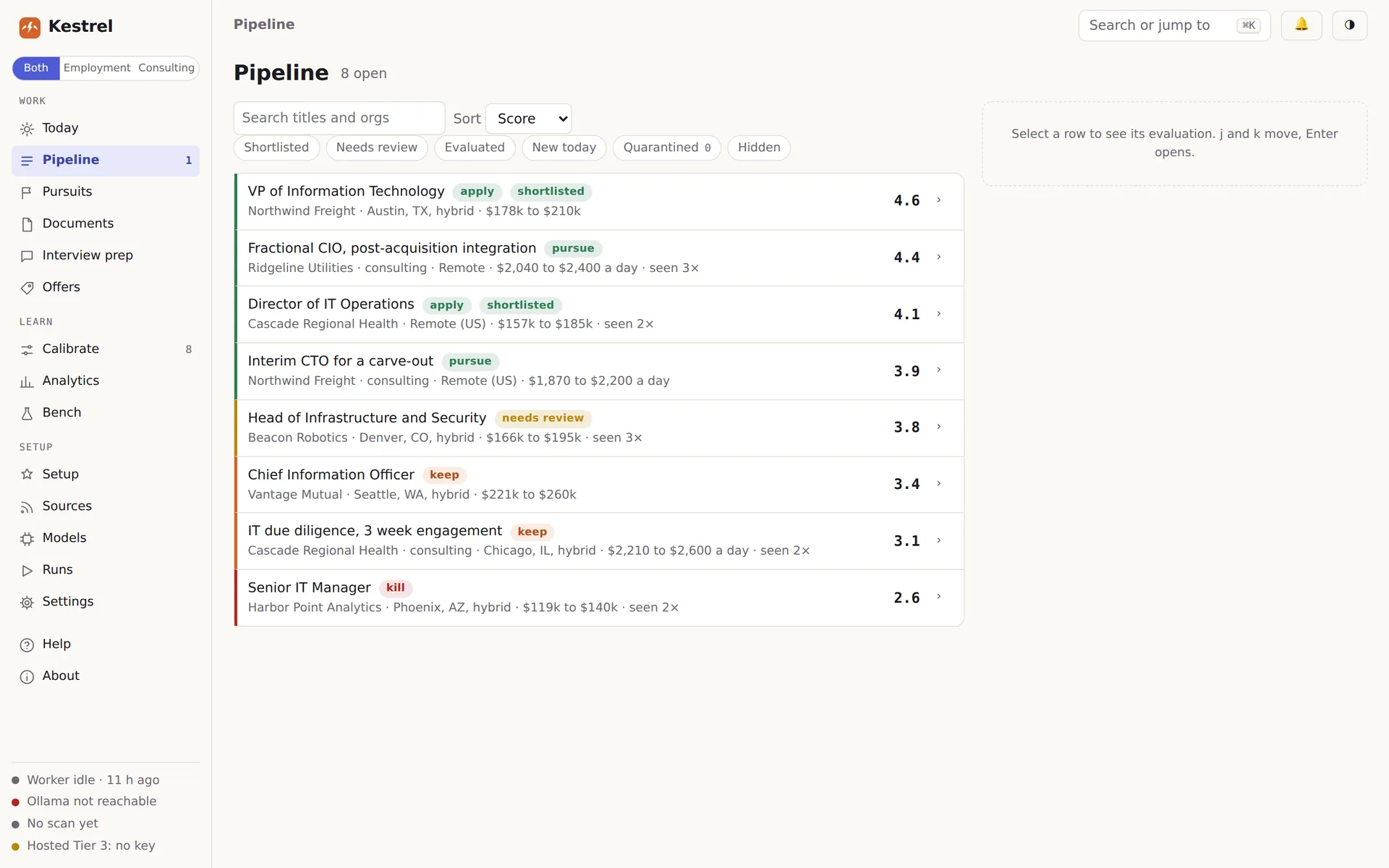
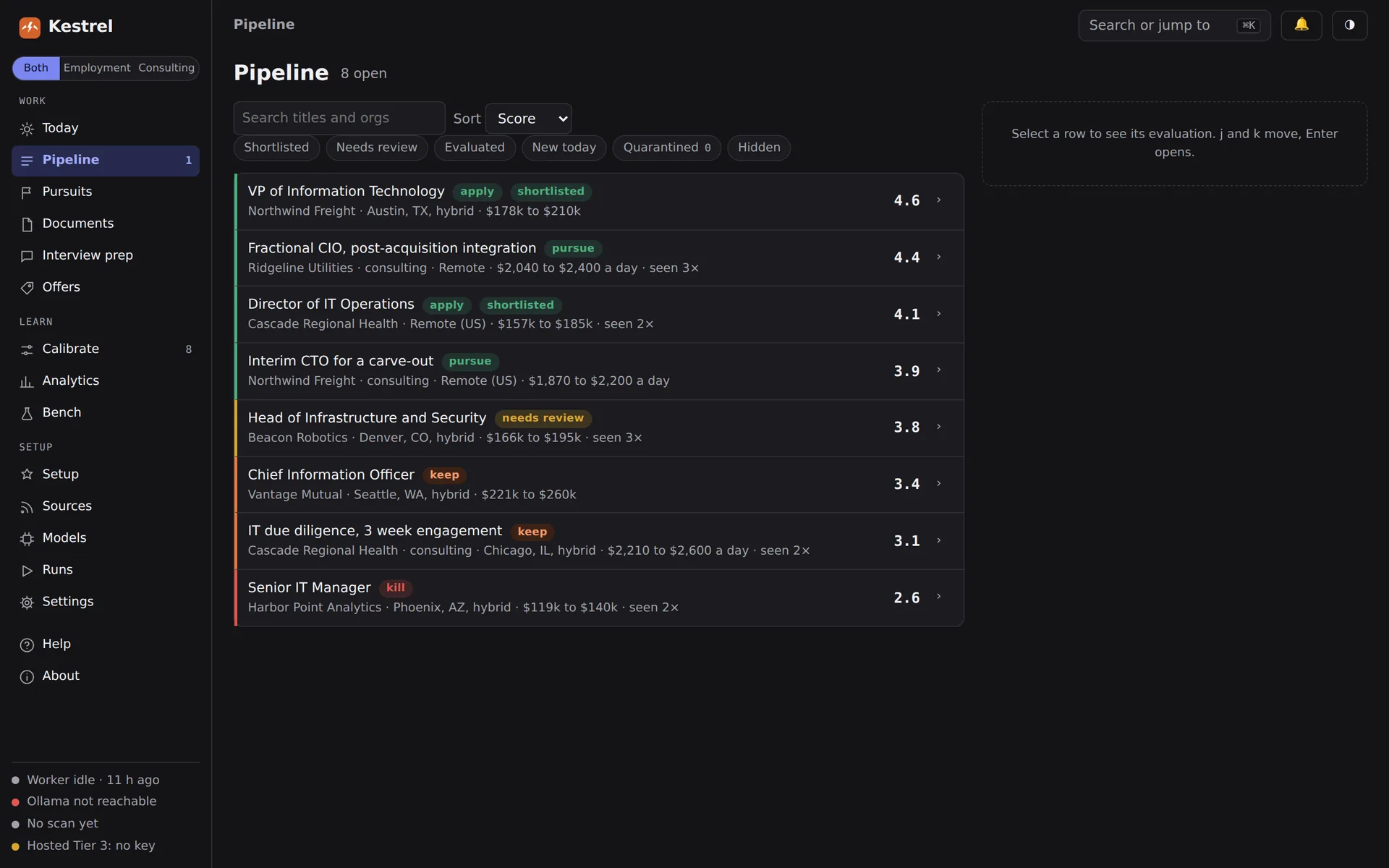
The pipeline: eight sample openings, each with a verdict, a one-line summary of pay and location, and a score.

Your resume, in your own words.

Import the resume you already have, then write a few versions of the lines that matter. For every opening, Kestrel picks the version that fits best.

It can suggest a new wording when you ask, but nothing goes on your resume until you read it and save it.

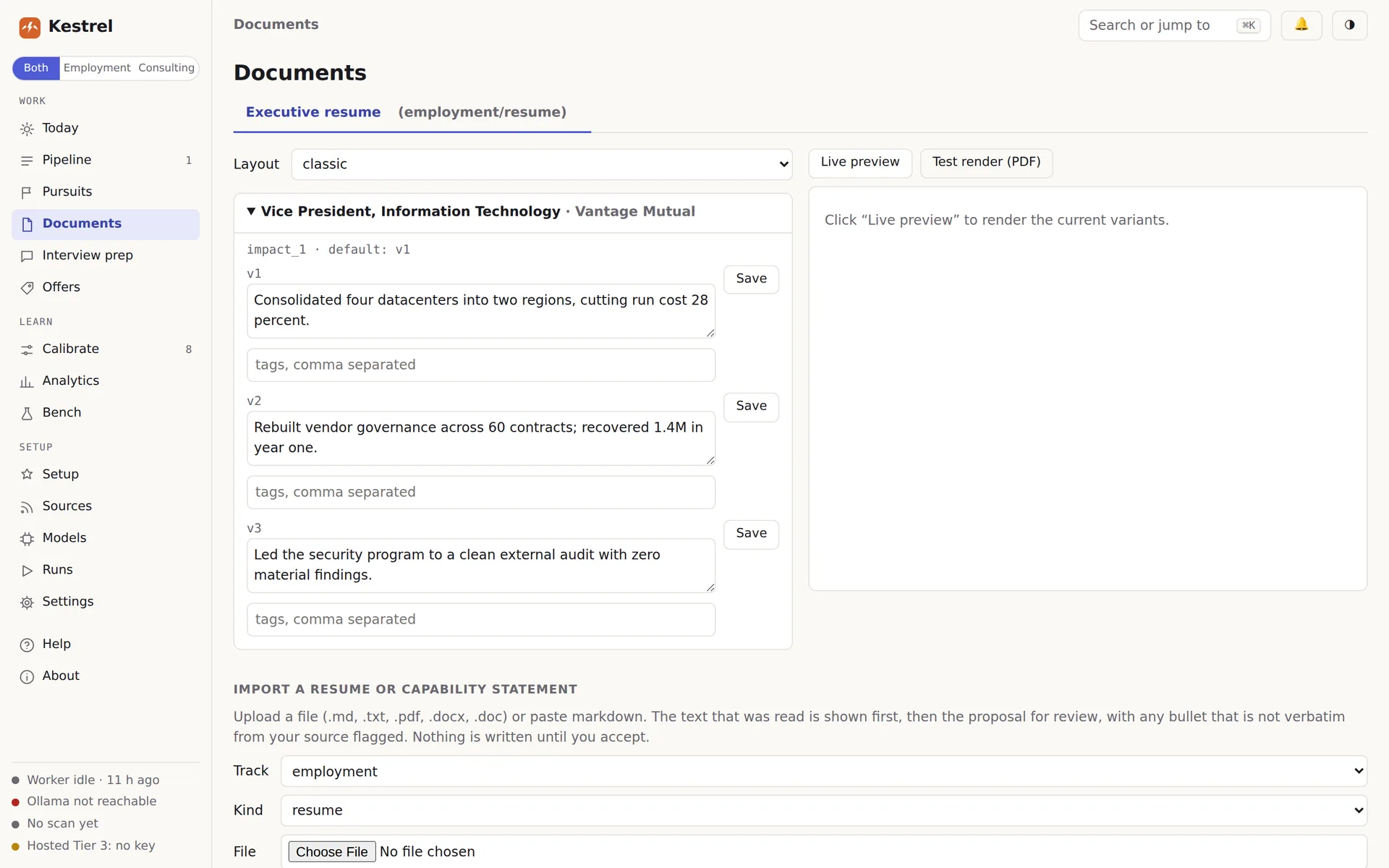
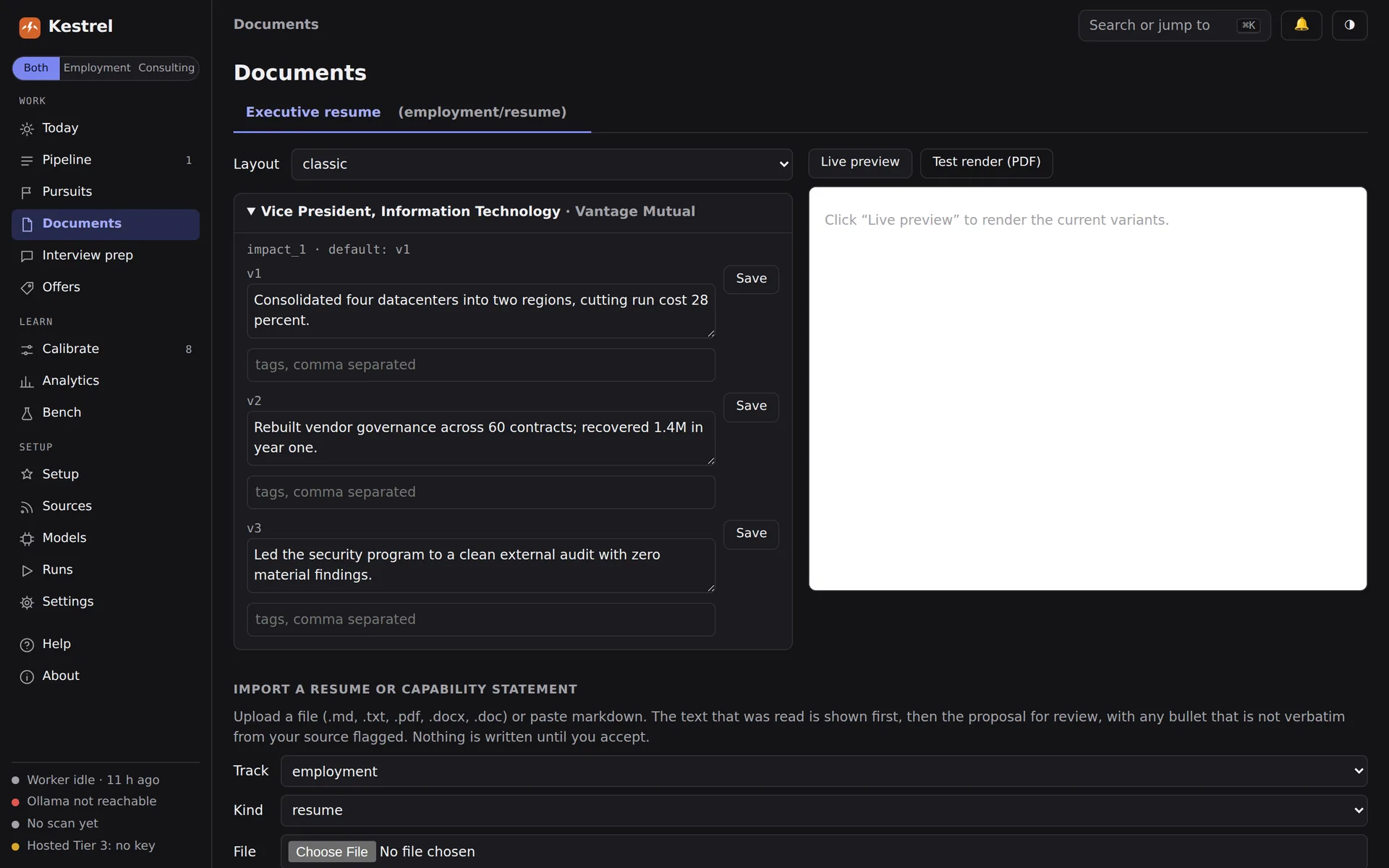
The resume editor: one resume line written three ways, each saved as its own version, with an option to import an existing resume below.

Private by default.

Kestrel runs on your computer. You do not create an account, and your search is not stored on anyone's server.

  • Before anything goes to an online AI model, Kestrel tells you exactly what it sends and waits for your OK.
  • Confidential mode hides your current employer in Kestrel's lists, your tailored resumes and the scoring sent to an online model.
  • It never applies, emails or messages anyone on your behalf.
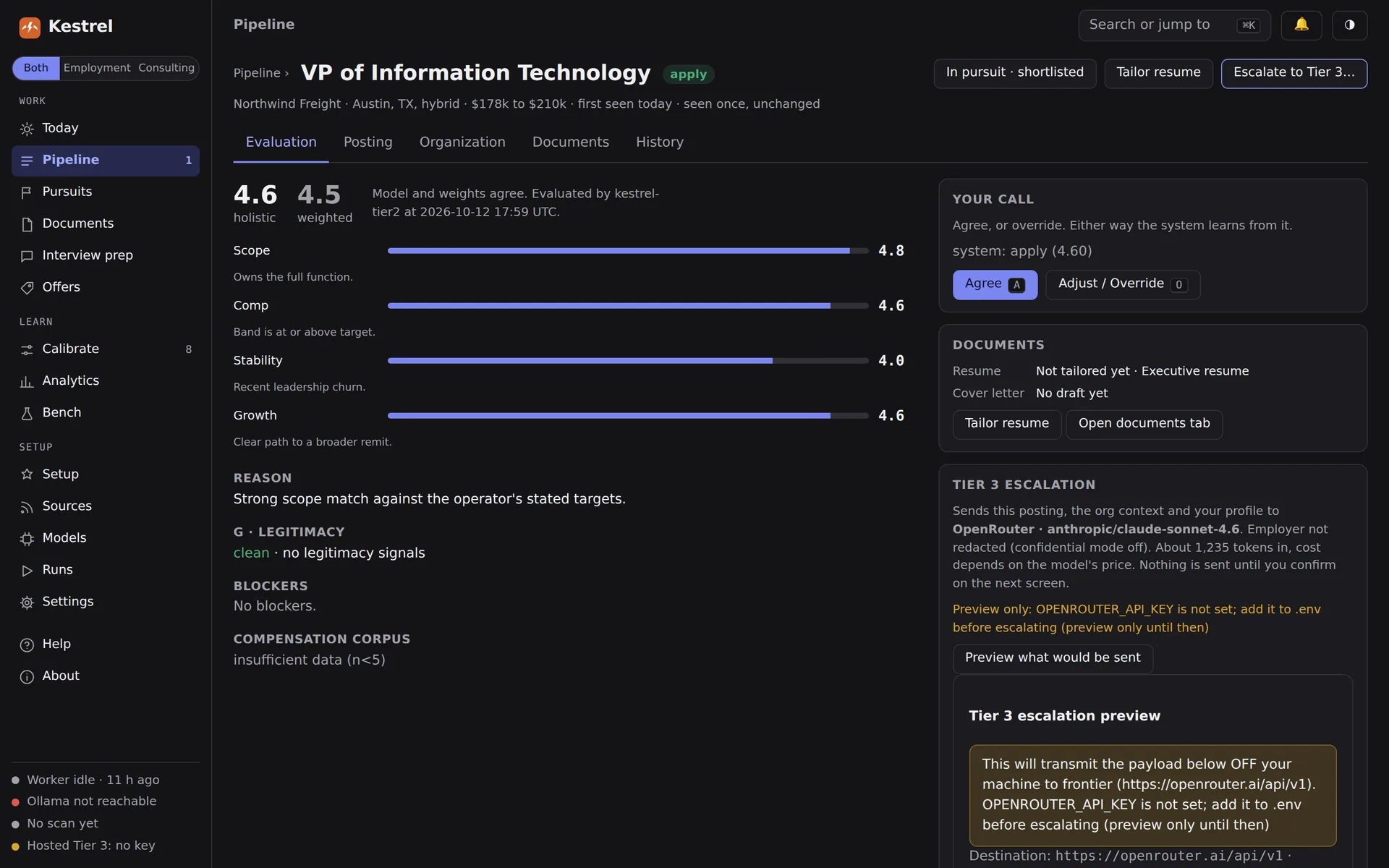
A confirmation screen showing the provider, the model and the full text that would be sent, with nothing sent until you confirm.

Run it on your computer, online, or both.

Kestrel uses free AI models on your own computer by default. If your computer is not up to it, or you would rather use a model you already pay for, bring your own key. OpenRouter has free online models, a good fit for older or smaller computers.

It works with OpenRouter, OpenModel, Anthropic and OpenAI, and with any OpenAI-compatible service. Kestrel ships with no key of its own, and nothing goes to an online model without your OK.

Why I built this

Most AI job search tools assume you already pay for an AI subscription and are comfortable working from a command line. I built Kestrel for everyone else.

It is an app first. You install it, open it, and let it do the searching, sorting and tailoring. All you need to do is apply.

Kestrel was vibe coded with Claude, Qwen and NVIDIA Nemotron, and the source code will be on GitHub when it is released.

Kestrel is free, and you are not the product. If it helps you, donations are greatly appreciated.

Mark

Support Kestrel on Ko-fi

Coming soon.

Kestrel is in late-stage testing. When it is ready, you will download it here, open it, and the app will guide you through setup.

Windows 10 and 11 · macOS 13 or later on Apple silicon · 64-bit Linux

The first beta will not be signed yet. On Windows, click More info, then Run anyway. On a Mac, right-click the app, choose Open, then Open again. Signing comes later.

GitHub coming soon

Questions

Why is it free? How do you make money?

I make nothing from Kestrel unless you donate. More than 120,000 people in tech have been laid off this year so far. Many of them are being asked to pay for job boards just to search or apply, or for AI job tools that assume you already pay for ChatGPT or Claude, some recommending a $100-a-month plan.

I wanted something that needs no subscription and no command line, and I wanted to give something back. If Kestrel helps you, you can donate on Ko-fi.

What do I need to run it?

Any recent Windows, Mac or Linux computer. To run the AI on your own machine, 16 GB of memory or a graphics card works best. On a smaller computer, use a free online model from OpenRouter instead.

Will it apply to jobs for me?

No. Kestrel finds, sorts and prepares. Applying, emailing and every other step that reaches another person stays with you.

Does my information leave my computer?

Not unless you turn on an online model. Even then, Kestrel shows you what it will send before anything goes.

Does it search LinkedIn? Does it replace sites like TrueUp or Remote Rocketship?

No. Kestrel searches public job boards and company career pages as far as each site allows. Some sites keep their listings behind a login or block automated searches, and Kestrel does not try to get around that. It is a best effort, so keep using the job sites that work for you alongside it. You can still paste a LinkedIn posting into Kestrel by hand.

Which job boards does it search?

Indeed and Google Jobs, plus company career pages on Greenhouse, Lever, Ashby, Workday and SmartRecruiters that you add. Searches are built from your profile. The built-in boards are US-focused; other countries work with fewer results.

Is it slow?

Scoring takes time, especially on free models. A first scan of a hundred openings can take an hour or more. The Today page shows how far it has got and how long is left.

What if the AI gets something wrong?

It will sometimes. Every AI summary carries a note to check the posting and research the company yourself. A role that fails to score is shown as failed, with the reason and a button to try again, on a different model if you like.

Is the code public?

It will be. When Kestrel is released, the code goes on GitHub under the PolyForm Noncommercial License. You can use it, read it and change it for free, but you cannot sell it or use it to make money.

Was it built with AI?

Yes. Kestrel was vibe coded. I am not a developer by trade, so I built it with Claude, Qwen and NVIDIA Nemotron, along with my own knowledge. The code will be public at release, so anyone can check what it does. I have worked to make it stable and to keep your data on your computer.

Does it work for consulting and contract work?

Yes. Turn on consulting in Settings and Kestrel tracks contract and consulting leads alongside job openings, with its own board and wording.

Do I need an AI subscription?

No. Kestrel runs free AI models on your own computer. If your computer is not powerful enough, you can connect an online model with your own key instead. OpenRouter is one of the options, and it offers free models.